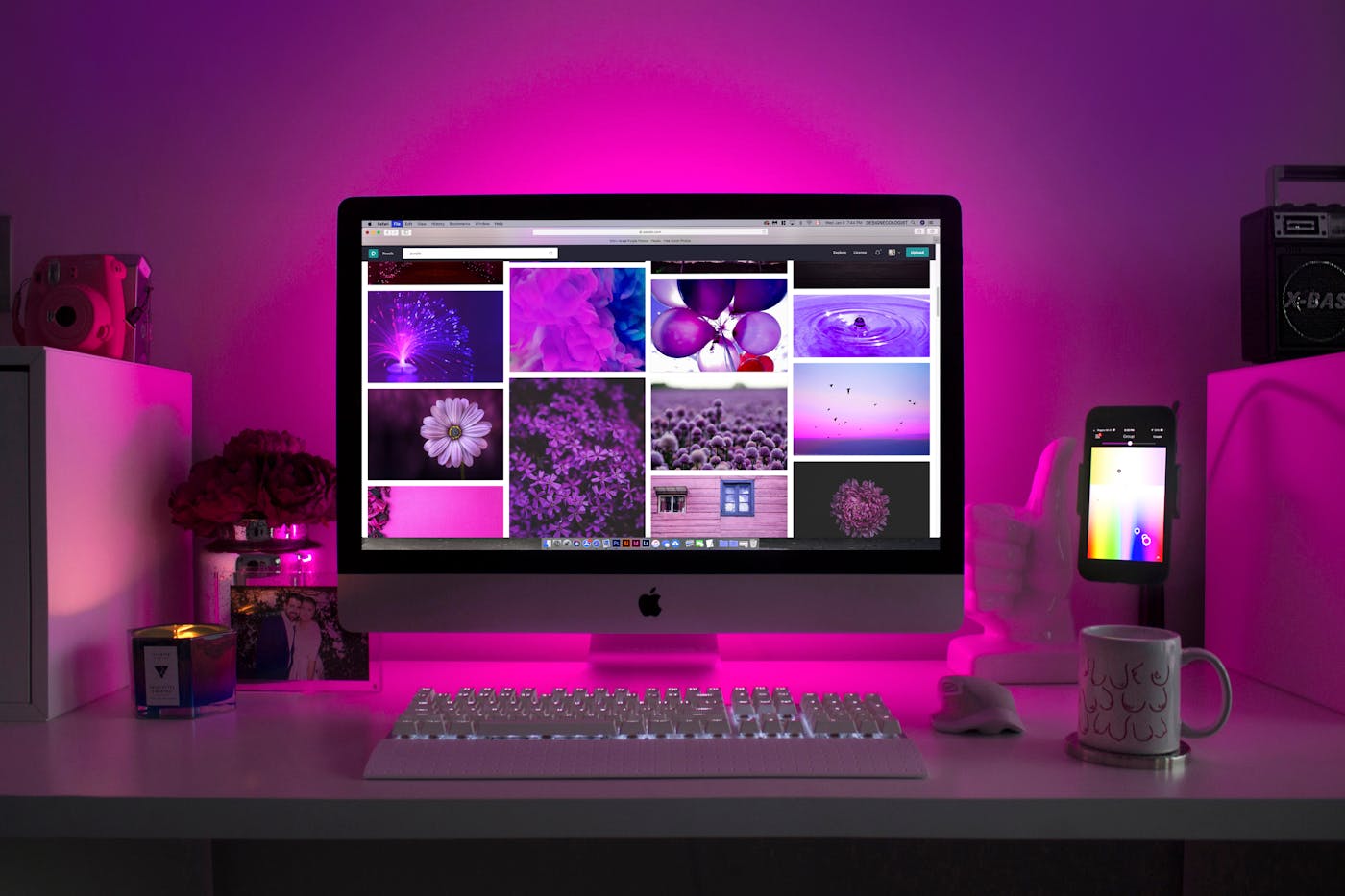
Single Monitor Arms
Lift, rotate, extend, and reposition one display while creating open space beneath it for documents, accessories, and focused desk work.
- Height adjustment
- Full-motion positioning
- VESA mounting support
- Clamp and bolt options
FREE SHIPPING ON ALL PRODUCTS
GET 15% OFF SITEWIDE AFTER EMAIL SIGN-UP
FAST 3–5 DAY DELIVERY
FREE RETURNS AND EXCHANGES WITHIN 30 DAYS
Deskify Monitor & Laptop Support
Create clearer sightlines, reclaim usable desk space, and position monitors and laptops around the way you sit, stand, present, and move through the workday.
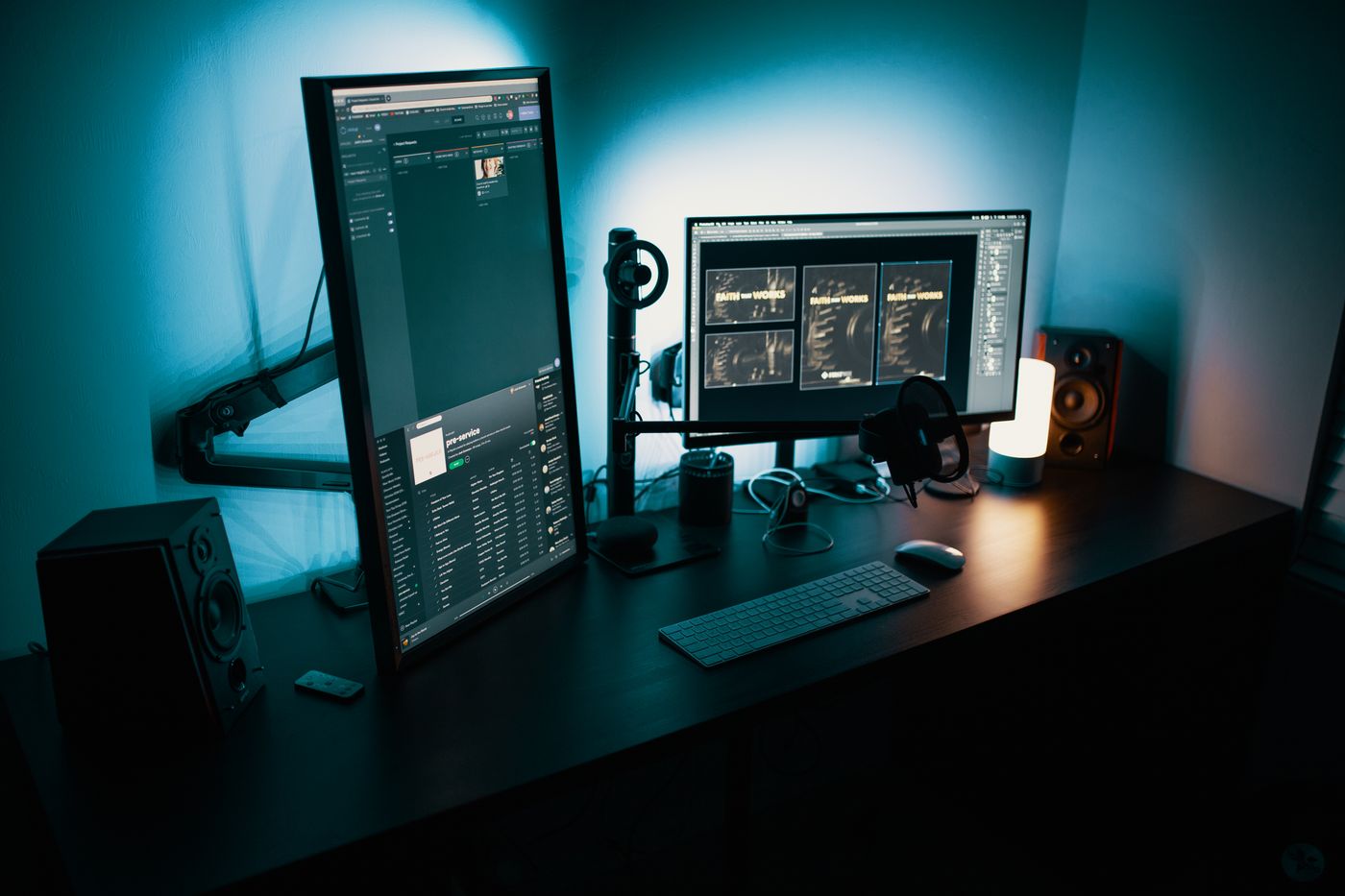
A More Flexible View
Monitor and laptop support should adapt technology to the body—not force the body to adapt to fixed equipment. Deskify brings together mounting, lifting, and mobile solutions for cleaner posture and more usable space.
The Support Catalog
Select a support format based on the number of screens, the movement you need, the surface available, and whether the workstation stays fixed or travels.
Lift, rotate, extend, and reposition one display while creating open space beneath it for documents, accessories, and focused desk work.

Build a coherent viewing field across two or more screens with independent positioning that supports analysis, creative work, and complex workflows.

Raise a notebook display, create a cleaner dual-screen setup, and improve airflow with stable platforms built for flexible laptop use.

Create visual order with a raised platform that supports displays while opening accessible storage space for keyboards, notebooks, and daily tools.

Carry screens, keyboards, laptops, and computer equipment between rooms with rolling structures designed for adaptable presentation and work.

Move screen weight away from the desktop and create an open, architectural setup with articulated wall-mounted positioning.
Alignment Method
A balanced setup starts with the primary screen, then builds outward through viewing distance, height, and secondary display placement.
Place the screen used most often directly in front of the natural seated position.
Position the upper screen area near eye level without forcing the chin upward.
Keep displays readable without leaning forward or straining to view fine details.
Bring additional displays inward so turning remains controlled and comfortable.
Complimentary shipping on every Deskify product.
A clear delivery window measured in calendar days.
Free returns and exchanges within 30 days.
Setup guidance whenever you need assistance.
Compatibility Guidance
Need help comparing screen size, weight capacity, VESA compatibility, clamp requirements, or laptop dimensions? Deskify support is available around the clock.
Share your screen models, desk thickness, preferred layout, and the movement range you need.
Contact Deskify